For Chrome and Edge
Pick which new tab opens.
Chrome only uses the new tab extension you installed last. Hallway keeps Momentum, Earth View, daily.dev and the rest installed, and lets you pick the one that opens on ⌘T.
Try it here, just like in Chrome
- Click Hallway in the toolbar
- Pick a new tab from the list
- Open a new tab with +
 Hallway
Opens on your next new tab

9:41
Good evening, friend.
“One clear thing at a time.”
Todo
Somewhere on the coast
Seen from above


9:41
21° · Clear for the rest of the day
MNCWR
9:41
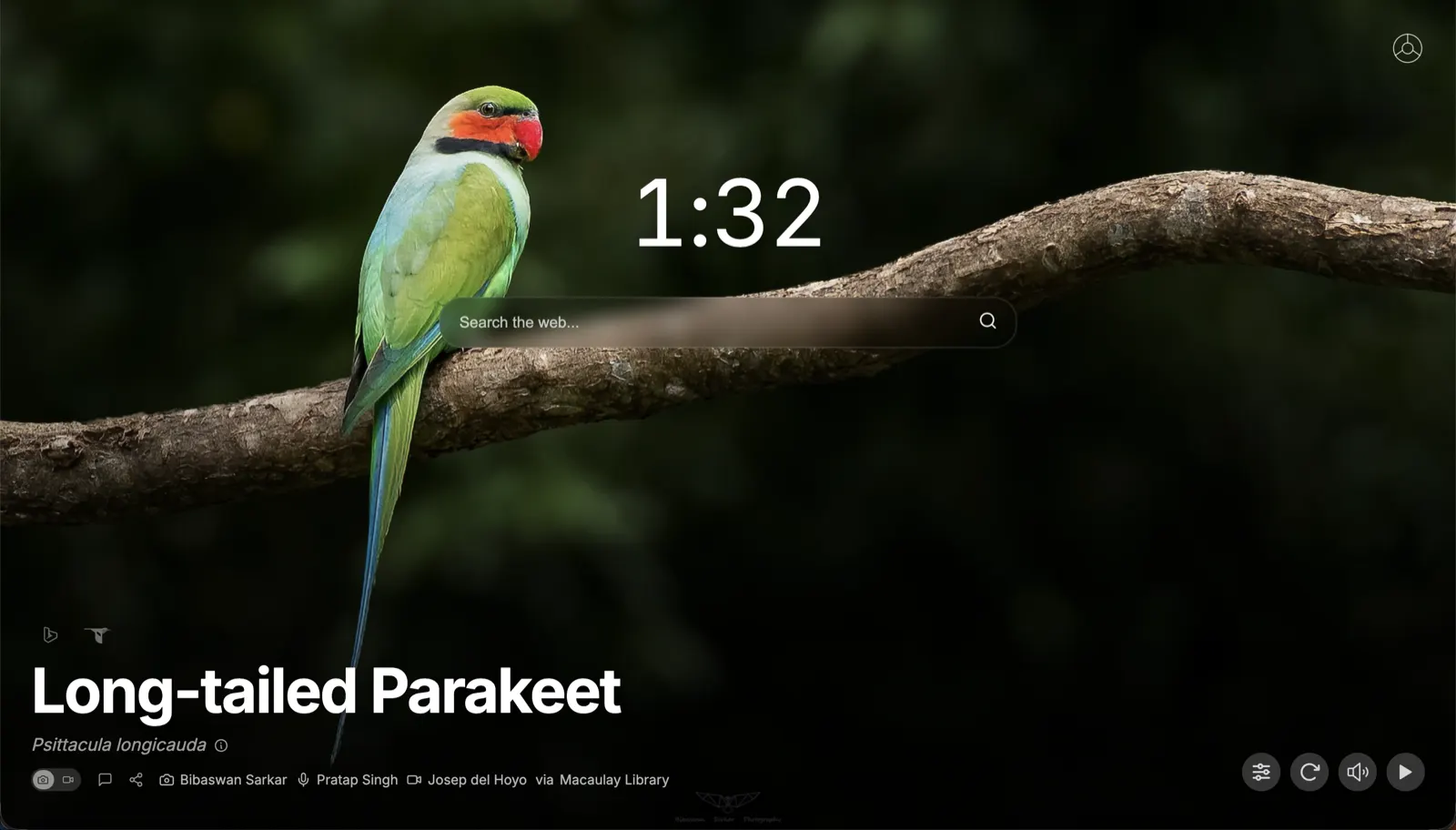
The last one installed wins.
Chrome gives the new tab to the extension you installed last. To change it, you open chrome://extensions and turn the others off by hand.
Hallway flips the switches for you.
Pick a door and that new tab turns on. The others turn off, but stay installed with their settings.
Try new ones, or go back to Chrome’s.
A new tab extension you install gets its own door, with one click back to what you had. Chrome’s own new tab is the last door.
Try it · open a door
 Momentum
 Earth View
 Infinity